YouTube without Shorts

YouTube without Shorts.Subscriptions still there. Search still works. Shorts shelf gone.

Dull is an iOS app. It opens the real YouTube mobile site inside a browser and removes the Shorts shelf, the Shorts tab in the bottom nav, and Shorts that leak into search results. Long-form videos, your subscriptions, playlists, and comments all still work. All filtering is on-device. 7-day free trial, then $3.99/mo.
Download on the App Store start the 7-day trial. no card upfront.

iOS 16+ $3.99/mo or $14.99/yr on-device only

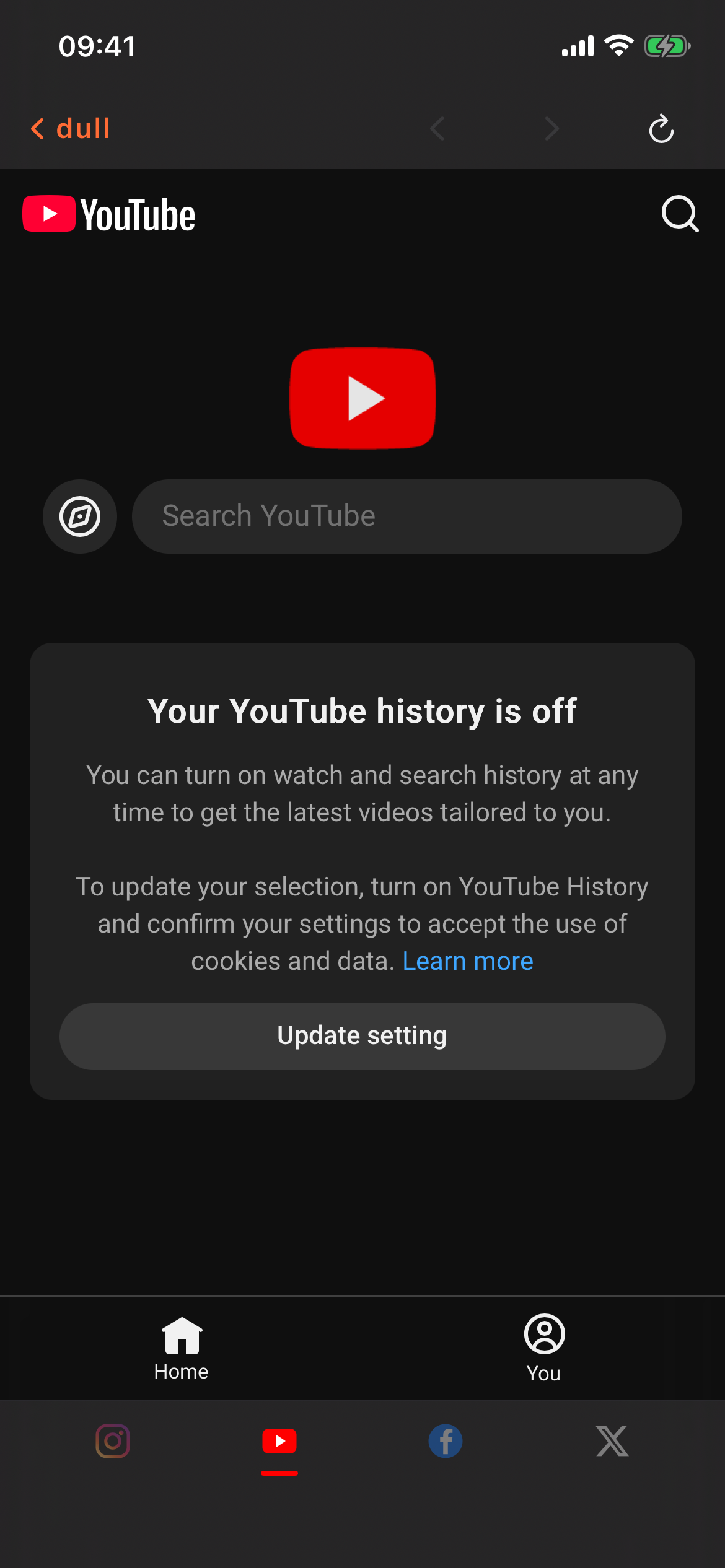
YouTube loaded in Dull with the Shorts shelf removed
YouTube in Dull
01
Download Dull on iPhone iOS 16+. 7-day free trial. No VPN, no DNS trick, no browser extension to fight with.
02
Open YouTube from the Dull home screen YouTube loads in the browser. Sign in with your Google account — the same way you would in Safari. Your subscriptions, watch history, and playlists come with you.
03
The Shorts shelf is already removed No toggles to flip. Shorts shelf, Shorts tab, and Shorts in search results are all gone by default. Long-form video is all that is left.
I want YouTube without Shorts. Does Dull actually remove them or just hide them?
Removed from the page. Dull injects CSS and JS into the YouTube mobile site before it renders, so the Shorts shelf, the Shorts tab, and Shorts that appear in search results don't render at all. You can't accidentally tap one because they aren't there.
Do my subscriptions and watch history still work?
Yes. You're using real YouTube through your real Google account. The filter only strips Shorts-related surfaces. Subscriptions, Library, playlists, Watch Later, comments, and channel pages all behave normally.
Can I still watch a Short if someone sends me a direct link?
If you paste a youtube.com/shorts/ link into Dull, we redirect it to the regular watch page so it plays as a normal video. You watch the video you chose to watch. No autoplay shuffle into the next ten.
What about the YouTube app itself — does Dull replace it?
Dull runs alongside the official YouTube app. You can keep both. Most people delete the YouTube app from their home screen and put Dull where it used to be, so there's no short-form entry point.
Why not just turn off Shorts in YouTube settings?
Because YouTube doesn't let you. The closest thing is the 'Don't show me Shorts' hide button, which only lasts 30 days and has to be manually renewed. Dull strips them permanently, every time the page loads.
How much is it?
$3.99/mo, $14.99/yr, or $59.99 lifetime. Every plan includes everything. 7-day free trial, no card upfront.

YouTube's own settings don't let you turn Shorts off permanently — the best you can do is hit 'hide' every 30 days. Apple Screen Time can cap how long you spend on YouTube but it can't touch what's on the page. Safari content blockers don't run inside third-party apps. Dull is the only one that gives you YouTube without Shorts, specifically — not YouTube with a timer, not blocked YouTube, just the long-form site with the short-form parts surgically removed.

YouTube without Shorts. It's an app.

7-day free trial. If long-form YouTube isn't enough of a difference, cancel before it charges.

Download on the App Store 7-day free trial · $3.99/mo · $14.99/yr · $59.99 lifetime